No password · No login · On-device
See who doesn’t follow you back — without giving anyone your password
Upload the data file Instagram gives you, and Unfollowly instantly shows your unfollowers, silent fans, and pending requests. The analysis runs in your browser — your data never leaves your device.
Free to try — see your counts and first results at no cost, or try it with sample data. Not affiliated with Instagram or Meta.
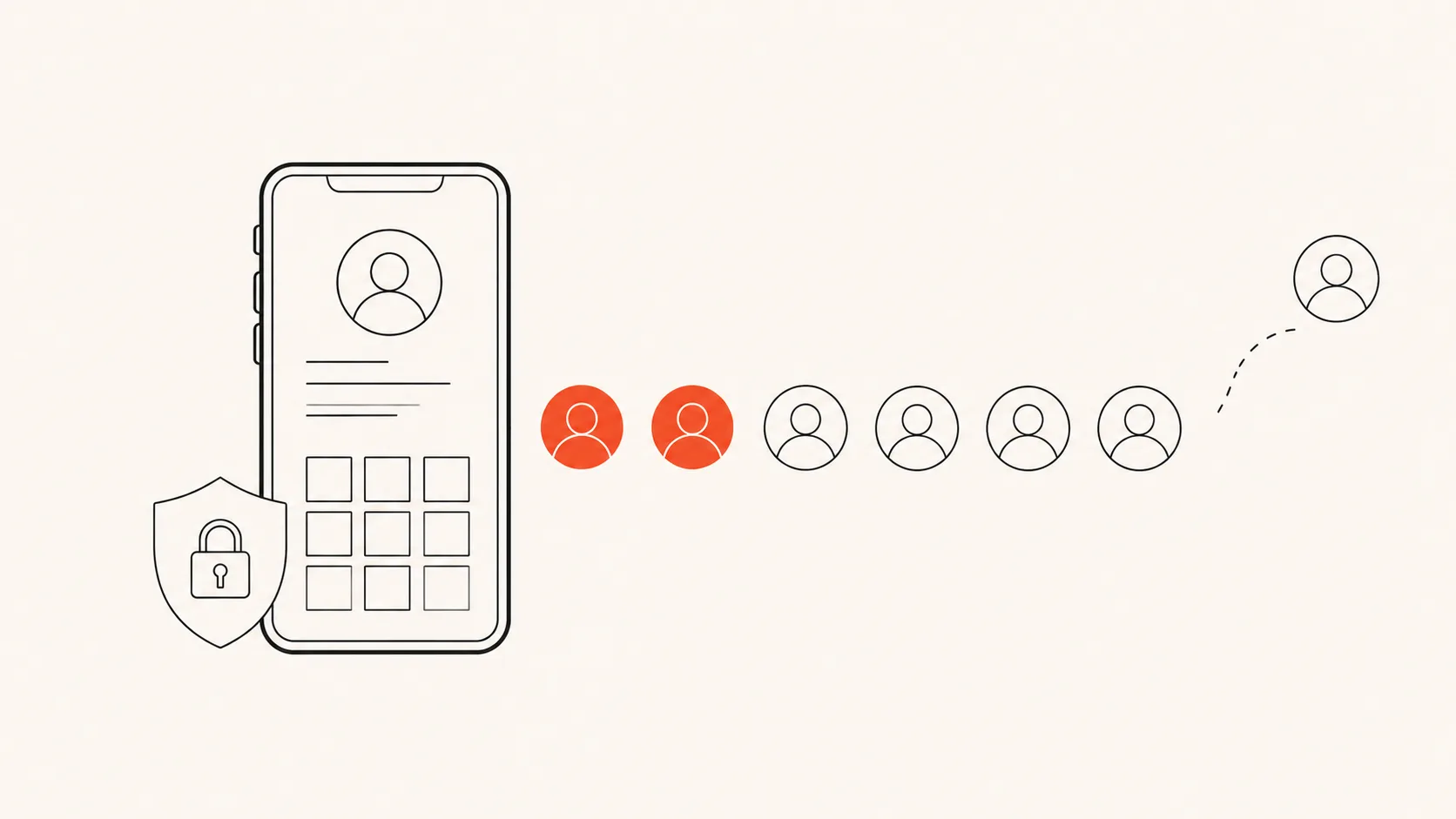
No password, ever
Nothing uploaded
Official Instagram data
One-time price, not $4.99 a week
01 — How it works
Three steps. Two minutes of effort.
No app to install, no account to create. You use Instagram’s own official data export.
- Step 1
Request your data
In the Instagram app: Accounts Center → Download your information. Select only “Followers and following”, format JSON.
- Step 2
Get Meta’s email
Instagram emails you a small ZIP file — usually within 5–30 minutes for a followers-only export.
- Step 3
Drop it here
Upload the file and get your full breakdown instantly. Everything is computed on your device.
02 — Free tools and guides
One list at a time, or the full picture
Each tool opens the list you came for, from the same export. The guides explain what the data can and cannot tell you.
Free tools
Guides
- Who Unfollowed Me on Instagram? 3 Ways to Check (Only 1 Is Safe)Three ways people check unfollowers — manual, login apps, and your own data export. Only one is private and safe. Here is the honest breakdown.
- How to See Who Doesn’t Follow You Back on InstagramThe accounts you follow that never followed you back are one simple calculation away — and you can find them without logging into anything.
- How to See Who Unfollowed You on Instagram for Free (No App, No Password)You do not need a paid subscription or your password to see who unfollowed you. Here is the genuinely free, private way — using the data Instagram already owes you.
- The Best Instagram Unfollowers App Alternative (Without Handing Over Your Password)Most unfollower apps want your login and charge by the week. Here is the private, one-time alternative that uses your own Instagram data instead.
- Why Instagram “Unfollower” Apps That Ask for Your Password Get You BannedLogging into a third-party app breaks Instagram’s rules. Here is what actually happens to your account — and the safe alternative.
- Why Did My Instagram Follower Count Drop? (And How to Find Out Who Left)A sudden drop in followers is usually one of five things — not all of them are people unfollowing you. Here is how to tell, and how to find exactly who left.
03 — The difference
Privacy you can verify yourself
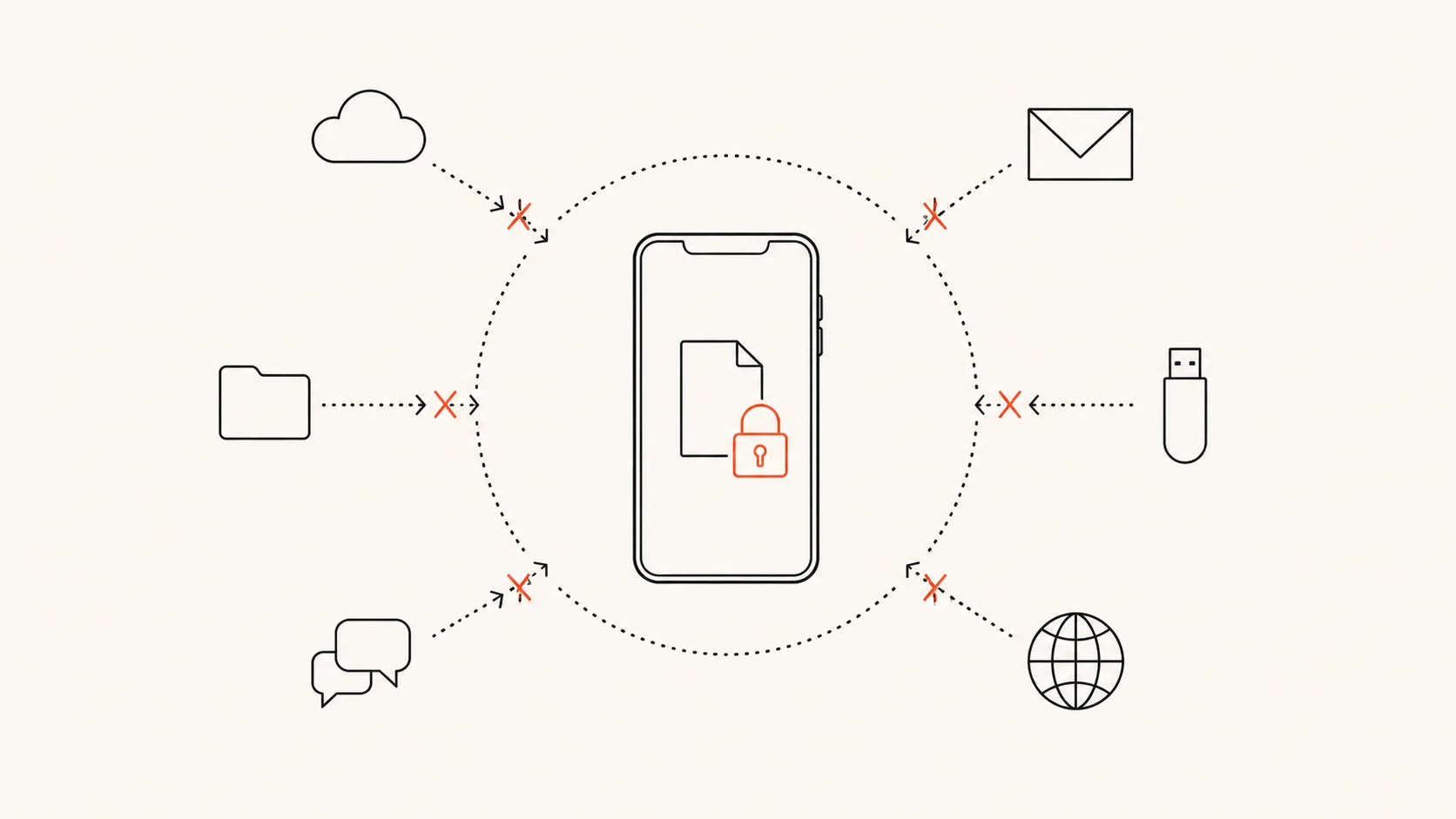
Most “unfollower apps” ask you to log in with your Instagram account — which violates Instagram’s rules and is how accounts get restricted or banned. We built Unfollowly the opposite way:
- Your export file is parsed by JavaScript running in your browser tab.
- No upload. No server-side processing. No database with your data.
- Don’t take our word for it: open your browser’s network tab while you analyze — you’ll see that nothing leaves your device.
04 — The honest comparison
Why not just use a “tracker app”?
Because apps that log into your account break Instagram’s rules, risk your account, and bill you weekly. Here’s the honest comparison.
| Feature | Unfollowly | Password-based apps |
|---|---|---|
| Your Instagram password | Never asked | Required by most apps |
| Risk of account ban | Zero — we never touch your account | Real — third-party logins violate Instagram’s rules |
| Where your data goes | Nowhere. Analyzed in your browser | Their servers |
| Pricing | $4.99 one-time | $4.99 per week subscriptions |
| “Who viewed your profile” | Not promised — Instagram doesn’t expose it to anyone | Promised, impossible to deliver |
05 — Pricing
Fair pricing: $4.99 once, not $4.99 a week
The free check shows your counts and your first results. The full report is a single payment. The Year Pass adds 12 months of history for $12.99, and Lifetime covers everything for as long as Unfollowly exists. Nothing renews by itself.
See full pricingCommon questions
Is this safe? Can I get banned?
You never give us your password and we never touch your account — we only read the data file Instagram itself gives you. There is nothing to ban.
Where does my data go?
Nowhere. The file is analyzed by your own browser, on your device. You can verify it: open your browser’s network tab during an upload — no data leaves.
How long does it take?
Requesting your export from Instagram takes 2 minutes; Meta usually emails it within 5–30 minutes. The analysis itself is instant.
Ready to find out?
Two minutes to request your data, instant answers when it arrives — and nobody ever sees your password or your file.
Start the free check