How-to13 June 20263 min read
How to See Who Doesn’t Follow You Back on Instagram
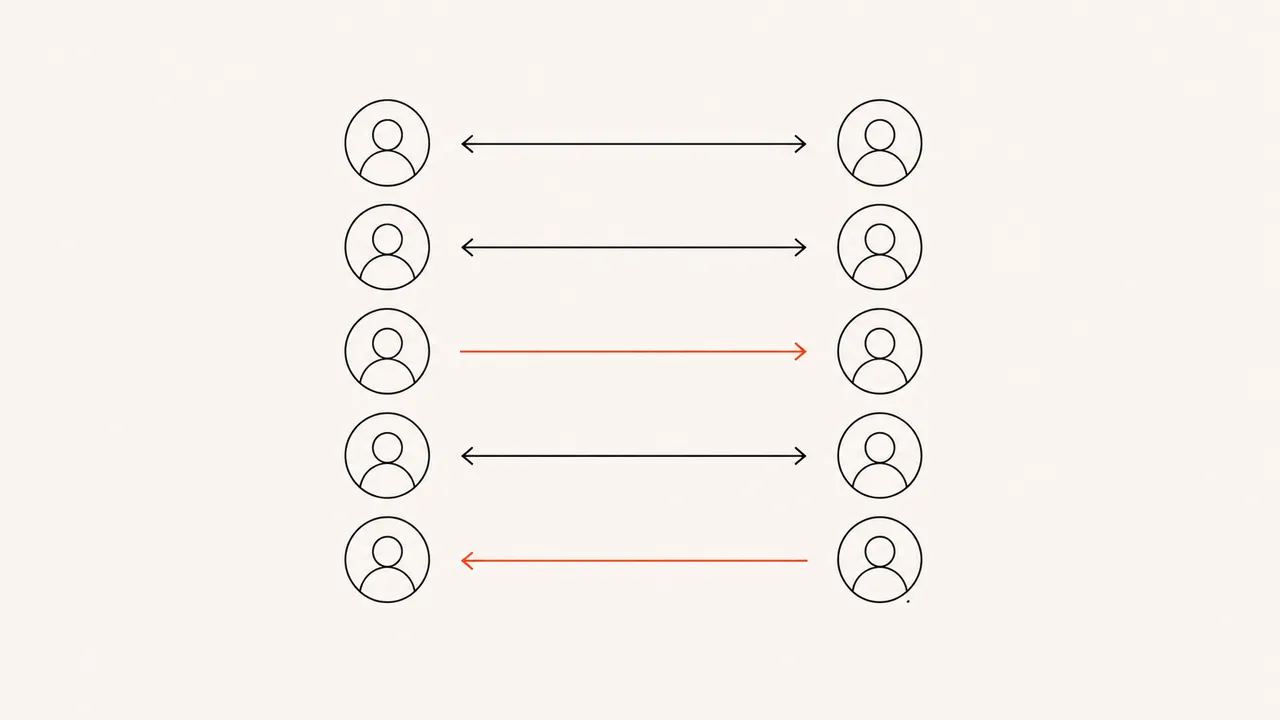
"Who unfollowed me" and "who doesn't follow me back" sound like the same question, but they are not. An unfollower is someone who used to follow you and left. A non-follower is someone you follow right now who has never followed you back. This article is about the second group — the one-sided follows sitting in your list — and how to find all of them without an app or your password.
Why Instagram makes this hard
Instagram shows you a "Following" list and a "Followers" list, but it deliberately gives you no way to cross-reference them. There is no "follows you back" filter, no sort, no count of one-sided follows. For a small account you can eyeball it. For anything over a hundred follows, comparing by hand is hopeless — and it is only ever a snapshot of this exact moment.
That is by design. The friction is the point.
The simple way to think about it
Your non-followers are pure set arithmetic: take everyone in your following list and remove everyone who also appears in your followers list. What is left is exactly the people who do not follow you back. The same two lists also give you:
- Fans — people who follow you that you do not follow back.
- Mutuals — the overlap, where you follow each other.
- Pending — follow requests you sent that were never accepted.
You do not need to log into anything to work this out, because both lists are contained in the data Instagram will hand you on request.
How to find them privately
Instagram is required to give you a copy of your own data, and that export includes your complete followers and following lists. Download it, open it in a tool that reads it on your device, and the comparison happens instantly.
Unfollowly does exactly this. You drop in the file Instagram emails you and your browser computes who does not follow you back — plus your fans, mutuals, and pending requests — all locally. Nothing is uploaded, so there is no password to expose and no rule to break. Compare that with login-based apps, which can get you banned.
Steps
- In Instagram: Accounts Center → Your information and permissions → Download your information.
- Select only "Followers and following" and the JSON format — here is why JSON, not HTML.
- Instagram emails the file, usually within 5–30 minutes.
- Open it in the checker and read your non-followers list.
Full screenshots are in the download guide.
Should you unfollow them?
That is up to you — some one-sided follows are intentional (brands, friends, accounts you simply enjoy). The tool's job is to show you the list clearly so you decide, not to nag you into unfollowing anyone. If you are also curious who quietly left over time rather than who never followed back, read who unfollowed me on Instagram, and to spot inactive accounts inflating your count, see ghost followers.
One caveat worth knowing: the export identifies people by username, not a permanent ID, so an account that changes its username between two checks can look different than it is. The data simply has no stable IDs, so no tool can fully avoid that.
Bottom line
Seeing who does not follow you back is one calculation on two lists you already own. You can do it for free by hand, or let a tool read your export on your device in seconds — either way, with no login, no password, and no risk to your account.
See who doesn’t follow you back — privately.
No password, no login. Your Instagram data is analyzed in your browser and never uploaded.
Open the checker