Safety13 June 20263 min read
Why Instagram “Unfollower” Apps That Ask for Your Password Get You Banned
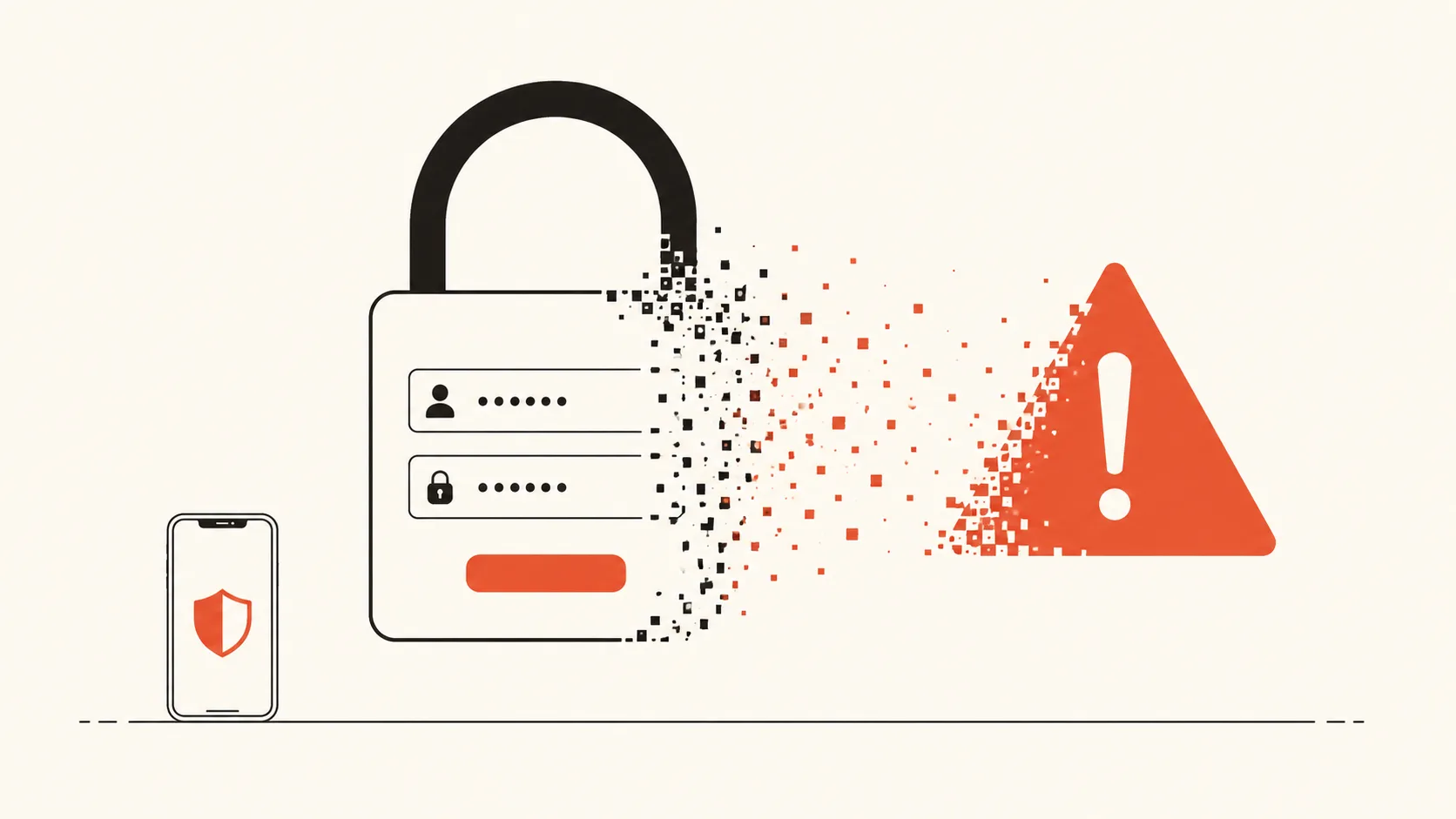
Most "who unfollowed me" apps work the same way: you hand over your Instagram username and password, the app logs in as you, and it scrapes your followers list from the inside. It feels normal because everyone does it. It is also the single fastest way to get your account restricted.
Here is what is actually happening, and what to do instead.
What these apps are really doing
When an app asks for your Instagram login, it is not getting some special "read-only" access. It is logging in as you — the same way you would on a new phone. From that session it can read your followers, follow and unfollow people, send messages, and see your private data.
Instagram cannot tell the difference between you and the app. What it can see is the behaviour: a login from an unfamiliar server, automated requests hitting its private endpoints, hundreds of profiles loaded in seconds. That pattern is exactly what its anti-abuse systems are built to catch.
Why Instagram pushes back
Using a third-party app to access Instagram through your account violates its Terms of Use, which prohibit accessing the platform "through unauthorized third-party applications." Instagram enforces this automatically. The usual escalation looks like:
- Action blocks — you suddenly cannot follow, like, or comment for hours or days.
- A forced password reset — Instagram flags the session as compromised.
- Login challenges — repeated "Was this you?" checks that lock you out until verified.
- Temporary or permanent disable — for repeat offenders, the account is suspended.
The frustrating part is that you did nothing visibly wrong. You just installed an app. But the app acted on your behalf, and your account absorbed the consequences.
The data risk nobody mentions
Even if your account survives, you have handed your live password to a company you know nothing about. Many of these apps store credentials in plain text, reuse them, or sell aggregated data. If that app is breached — and several have been — your Instagram login is in the dump. If you reuse that password anywhere else, the damage spreads.
A login that can act as you is the most valuable thing you can give away. An unfollower count is not worth it.
The safe way: your own data export
There is a method that needs none of this. Instagram is legally required to let you download your own data, and that download includes your full followers and following lists. No app logs in. No password leaves your hands.
You request the export from inside the official Instagram app, Instagram emails you a file, and you open that file in a tool that reads it on your own device. Nothing is uploaded, so there is nothing for Instagram to flag and nothing for a third party to store.
That is exactly how Unfollowly works. You drop in the file Instagram gave you, and your browser — not our server — computes who does not follow you back. We never see your data and we never touch your account, which means this method physically cannot get you banned.
How to do it in two minutes
- In the Instagram app, open Accounts Center → Your information and permissions → Download your information.
- Choose "Some of your information" and select only Followers and following.
- Set the format to JSON (not HTML) and request the export.
- When Instagram emails the file, open it in the checker.
We wrote a full walkthrough with the exact taps in our step-by-step guide, and explained the JSON-versus-HTML choice in this article.
The short version
If an Instagram tool asks for your password, close it. There is no version of that trade that favours you. The data-export method takes a few extra minutes, costs you nothing, and keeps both your account and your password entirely your own.
See who doesn’t follow you back — privately.
No password, no login. Your Instagram data is analyzed in your browser and never uploaded.
Open the checker