Troubleshooting13 June 20263 min read
Instagram Action Block: Why It Happens and How to Fix It
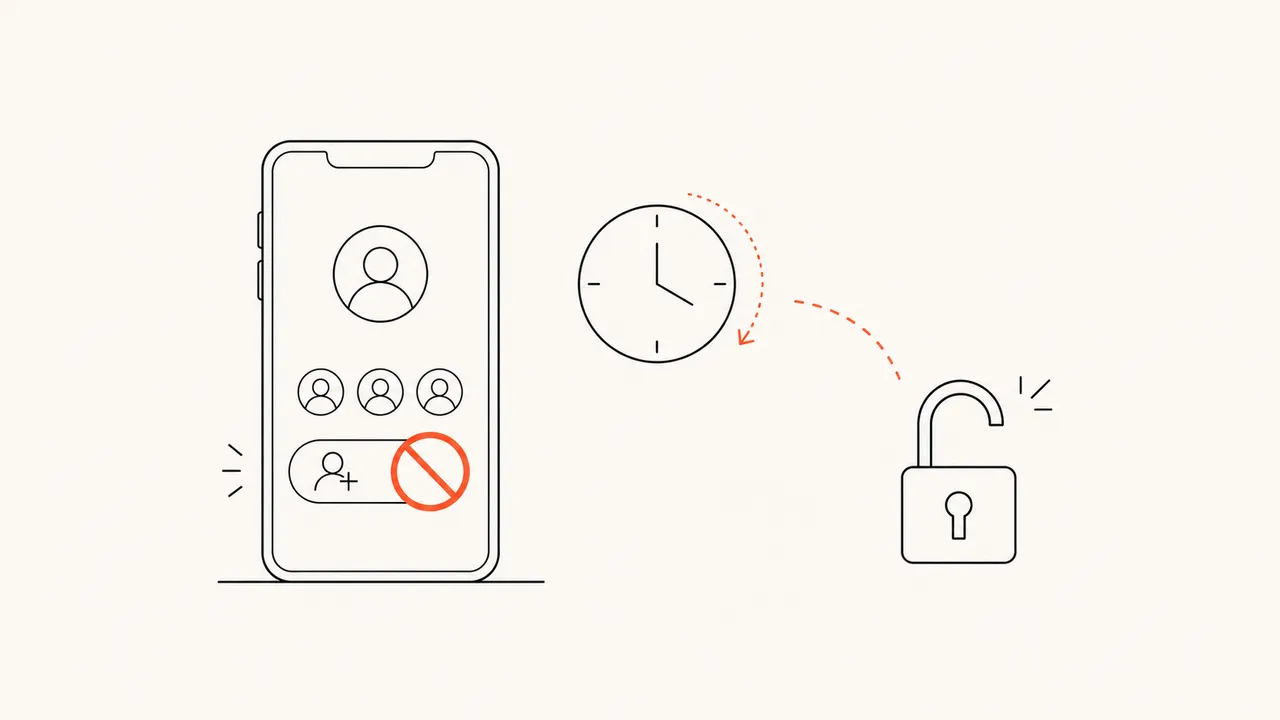
If Instagram has shown you "Action Blocked" or "We restrict certain activity to protect our community," your account has not been hacked and you are usually not banned for good. It is a temporary restriction Instagram applies when it thinks your activity looked automated. Here is what causes it and how to get back to normal.
What an action block actually is
An action block stops you from doing specific things — following, unfollowing, liking, commenting, or sending DMs — while letting you otherwise use the app. It is Instagram's automated defence against behaviour that looks like a bot: too many actions too fast, or actions coming through a third-party tool rather than the official app.
It is almost always temporary. Most clear in 24–48 hours; heavier or repeat blocks can last up to a couple of weeks.
The most common cause: third-party apps
The number one trigger we see is logging into a third-party app with your Instagram password — especially "unfollower" or "follower tracker" apps. When you give one your login, it signs in as you and rapidly reads or performs actions from the outside. Instagram detects that pattern and restricts the account. We explain the mechanism in detail in why password apps get you banned.
Other common triggers: mass following/unfollowing in a short burst, repetitive copy-paste comments, or using "get more followers" engagement services.
How to fix an action block
- Stop the activity immediately. Do not keep tapping follow/unfollow — repeating the blocked action resets and extends the timer.
- Revoke third-party access. Go to Accounts Center → Password and security → (apps) / Settings → Apps and websites and remove anything you do not recognise or trust. Then change your password — this logs those apps out for good.
- Wait it out. Do not log in and out repeatedly or switch accounts rapidly; that looks more suspicious. Give it 24–48 hours of normal, light use.
- Report it if it is wrong. When the block message appears, tap "Tell us" or "Let us know." It signals a human-style appeal.
- Do not use a VPN or new device to dodge it. Sudden location or device changes can make Instagram more cautious, not less.
After it clears, ease back in. Avoid bursts of the same action for a few days.
How to never trigger it again
The safest way to do follower analysis — including seeing who unfollowed you or who does not follow you back — is to never log a third-party tool into your account at all. You do not have to: Instagram will give you a copy of your own data, and that file already contains your followers and following lists.
Unfollowly reads that export on your device. There is no login, so there is no automated activity for Instagram to flag — which means it physically cannot cause an action block. Your data stays in your browser and nothing is uploaded.
The no-risk way to check
- In Instagram: Accounts Center → Your information and permissions → Download your information.
- Select only "Followers and following" and the JSON format (why JSON, not HTML).
- Wait for Instagram's email (5–30 minutes).
- Open it in the checker.
Full screenshots are in the download guide.
Bottom line
An action block is temporary and fixable: stop the activity, remove third-party app access, change your password, and wait. Then keep it from happening again by never handing your password to a follower app — use your own data export instead. For the bigger picture on why those apps are risky, read who unfollowed me on Instagram.
See who doesn’t follow you back — privately.
No password, no login. Your Instagram data is analyzed in your browser and never uploaded.
Open the checker